
Clip campaigns are now Multi-Format
BETA FEATURE NOTICE: Multi-Format campaigns and Vertical Video are currently in BETA. Features and availability may evolve during the Beta period. If you have questions or feedback, please reach out to your account manager or contact Support.
Clip campaigns are now Multi-Format campaigns
Clip campaigns in Amplify have been upgraded into Multi-Format campaigns. Existing Clip campaigns are automatically renamed, with no changes to your current setup, budget, targeting, or performance.
Multi-Format campaigns allow you to run Standard, Clip, and Vertical Video (9:16) [link → What is Vertical Video] together in a single campaign. Teads’ AI-powered engine automatically selects the best-performing format for each eligible impression, helping maximise campaign performance.
Standard and Carousel campaigns’ creative formats remain available as separate campaign types or use Multi-Format if you want to expand to other formats.
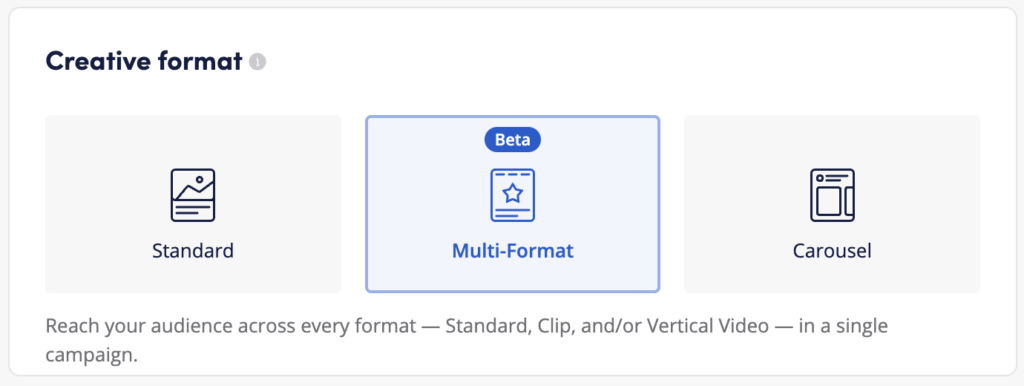
Supported creative combinations
Multi-Format campaigns support the following combinations:
- Vertical Video + Clip
- Vertical Video only
- Vertical Video + Standard
- Vertical Video + Clip + Standard
- Clip only
- Clip + Standard
If you upload only one format, your campaign will serve using that format only. If you upload both, Teads’ AI-powered engine evaluates every eligible impression in real time and automatically selects the format predicted to deliver the strongest performance — so your spend always follows what converts best.
Reporting
By content
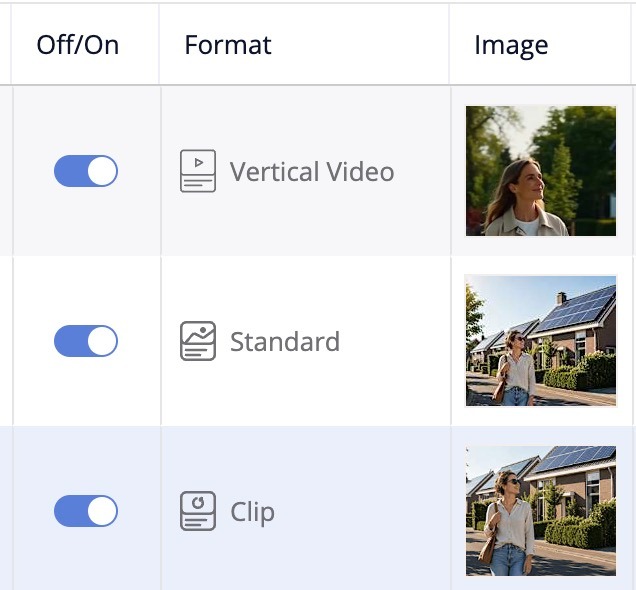
The Campaign Report by Content continues to include the same metrics you already use to measure performance. The only addition is the Format column, which indicates whether each creative was served as Vertical Video, Standard, or Clip, making it easier to understand how each format contributes to campaign results.
By campaign
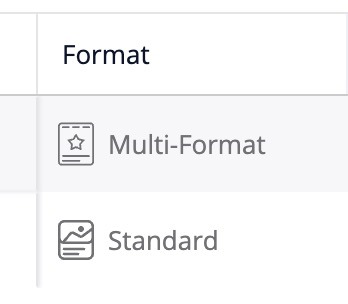
As Clip campaigns have been renamed to Multi-Format, the Campaign Report now displays Multi-Format as the campaign type.
Best practices for Multi-Format campaigns
- Start broad — mix formats from the start and let the AI-powered engine allocate spend across them. (recommended 4 – 6 ads)
- Give the campaign 7–10 days to learn before making optimisation/changes.
- If you’re adding Vertical Video, set platform targeting to Mobile only.
- If you’re running without any vertical format, you can include Desktop in your targeting.
- Follow CBS best practices for whichever bidding strategy you use. (Target CPA, Target ROAS, Max Conversions, Semi Manual)
- After the first week, review performance by format. If one format is dominating spend and others aren’t getting enough exposure, split formats into separate campaigns to optimise each independently.
- For additional optimization guidance, see our general Campaign Best Practices article.
Frequently asked questions
Does anything change for my existing Clip campaign? No. The only change is the label, which now reads Multi-Format. Creative, budget, targeting, and performance are unaffected unless you add new formats.
How should I optimize my Multi-Format campaign? Follow your usual CBS best practices. (Target CPA, Target ROAS, We recommend Hard + Soft conversions to give the algorithm the strongest signal. Your account manager can help tailor the setup to your KPIs.
Can I use a Multi-Format campaign to run just one format? Yes, you can run Clip or Vertical video on their own, for Standard format choose the Standard creative format.