How do I modify a Scheduled Report?
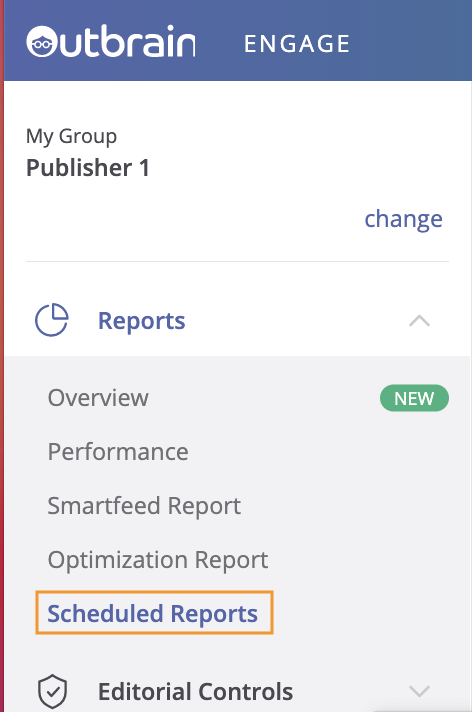
Managing your scheduled reports can be done by clicking into the “Scheduled Reports” option within the “Reports” section. From this view you are able to deactivate a scheduled report using the button on the left hand side.
You can also edit the set up of your reports via the pen icon, or delete it.