Joker Card: how can I set up multiple Custom Joker Cards?
You can display several Custom Joker cards in the same feed. This is easily configurable via the Studio tab :
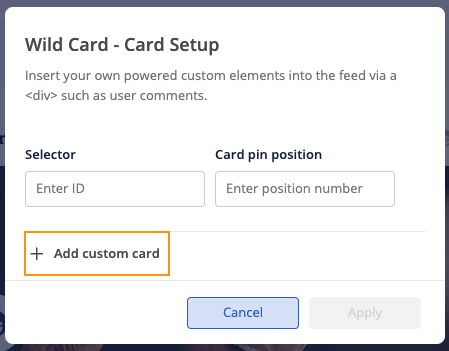
- In the “Card List”, click on the Joker Card parameters.
- You can now select “Add custom card”. A maximum of 5 cards can be added.
- Via the field “Card pin position” you can select the position of each card.
Important: you can’t pin a Joker Card in the 1st position.