How can I compare draft vs production designs?
Please follow these steps:
- Go into the “Studio” tab
- By default you will see the Draft preview
- Click on the “Production” button on the top right corner
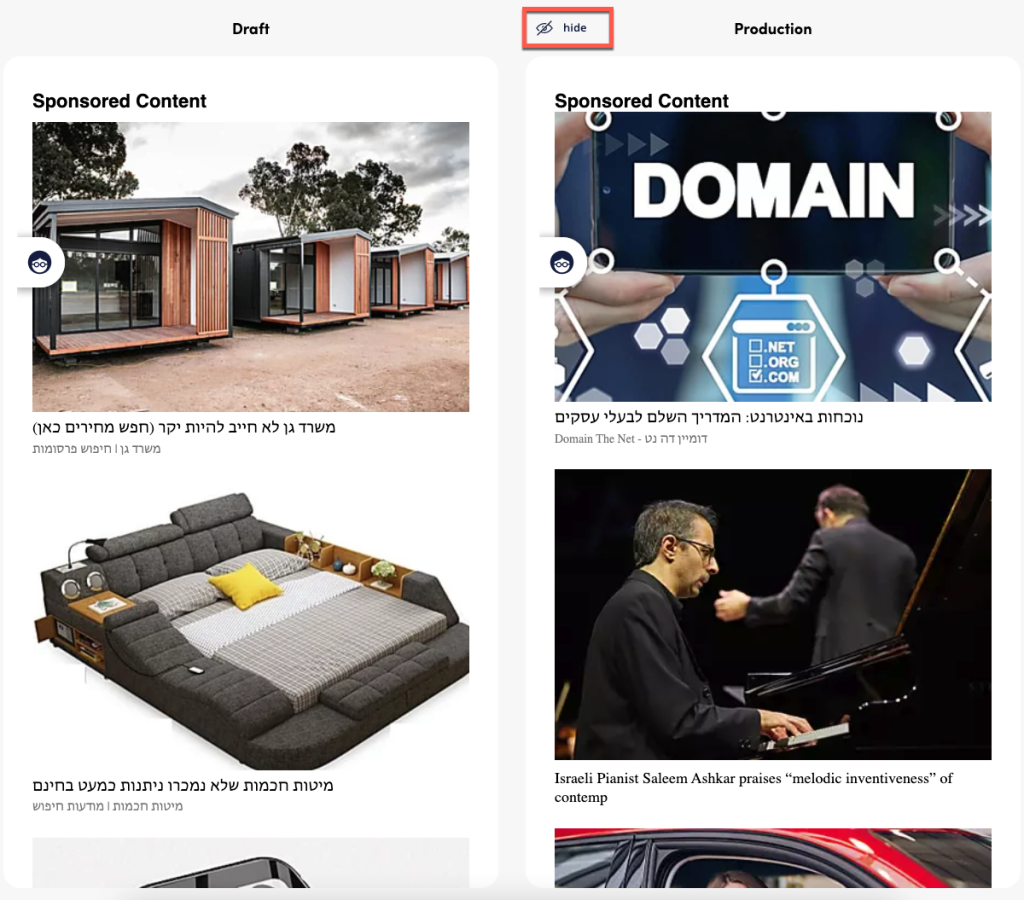
On mobile, both modes can be compared next to each other. Clicking on “Hide” will hide the production view and display the draft one only. On desktop, due to space limitation, you need to swipe between both modes.