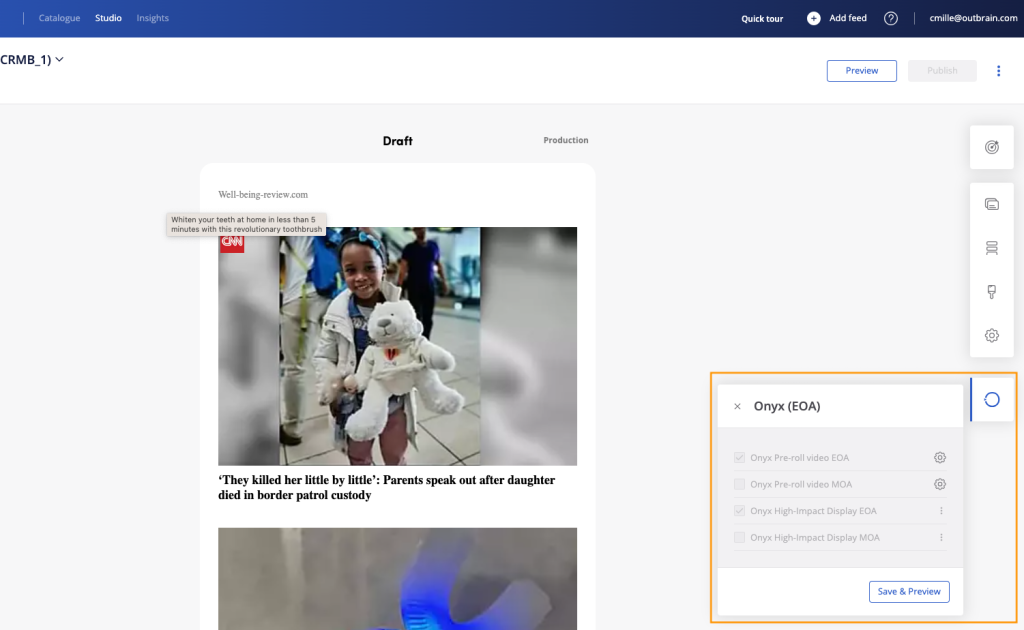
How can I check if Onyx is enabled on my ID?
We’ve added an Onyx menu (accessible via the Onyx logo icon) when one or several Onyx cards are live on your widget ID. Please note this menu will not appear if:
- None of the Onyx cards are activated on your ID
- Onyx cards are not live on 100% of the traffic (e.g: tests running on part of the traffic)
Important – This is a view-only feature for PMs. Intention is to help you easily identify if Onyx is activated but you cannot opt-in/opt-out the cards yourself and you should not edit the settings. Please create a case for this, Supply-ops will handle it.